Running AI models on your own machine gives you total privacy and offline access. But when picking local LLM tools, deciding between Ollama vs LM Studio usually causes the first stumble.
Cloud assistants like Claude or Google Gemini run on massive external server farms. Running models on your hardware depends directly on your GPU and system memory. Choosing the right path comes down to whether you want a quiet background engine or a visual desktop app.
Ollama vs LM Studio: CLI Engine vs Desktop App
Both tools help you run LLMs locally, but they approach the task differently.
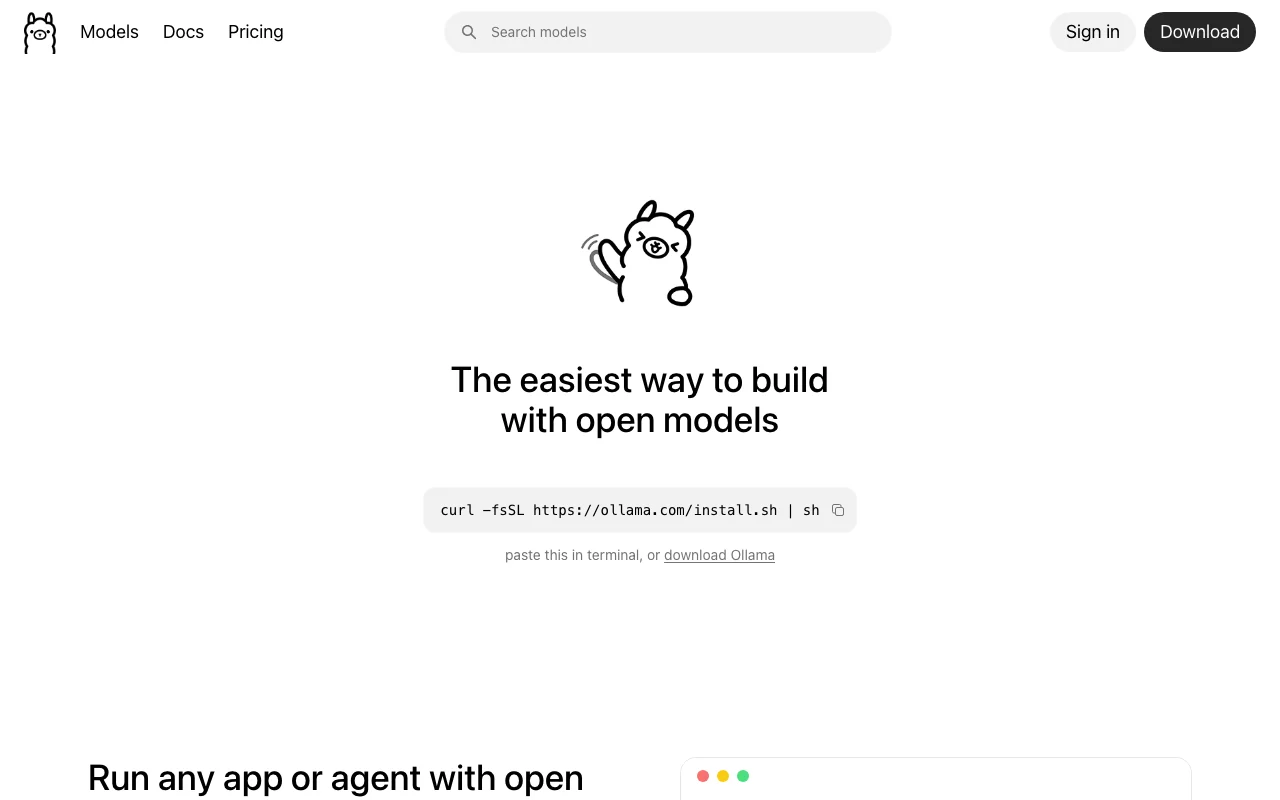
If you prefer working in a terminal, Ollama feels completely natural. It packages open-source inference engines into clean, Docker-style commands. It runs silently in the background and serves an OpenAI-compatible API for other local apps to connect to.
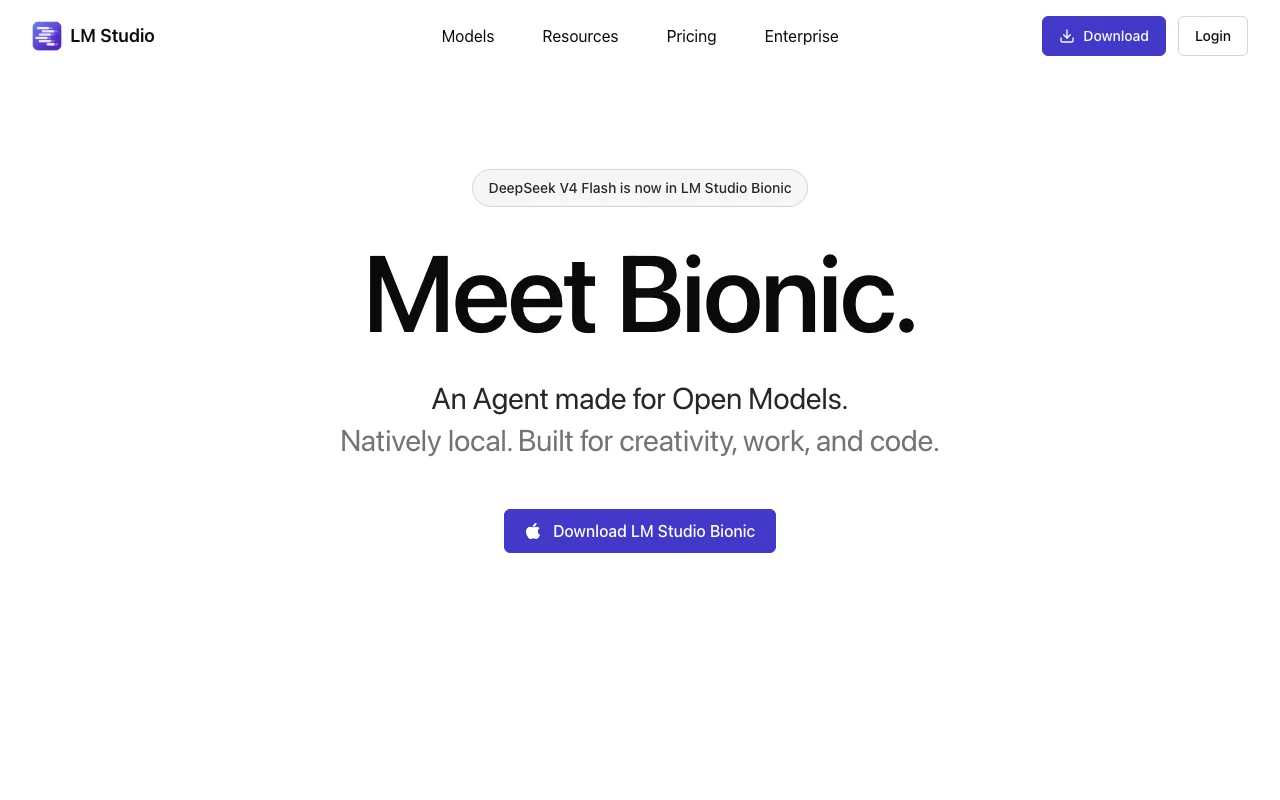
If you want an all-in-one software interface to search, download, and test models, LM Studio is the clearer choice. You can search Hugging Face, monitor VRAM allocation in real time, and tweak context window sizes without touching a command prompt.
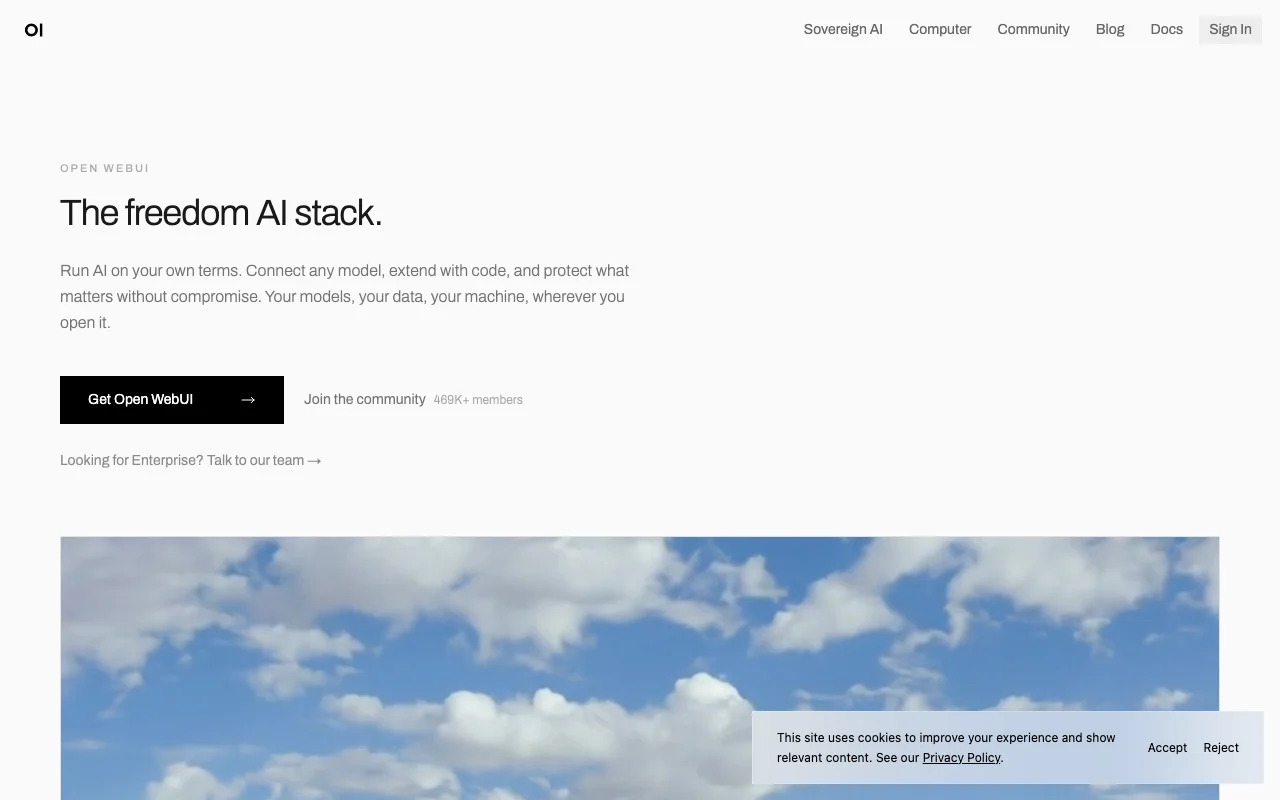
Command lines are efficient, but reading long model responses in a terminal gets messy. Pairing Open WebUI with Ollama gives you a ChatGPT-like browser interface complete with chat history, prompt templates, and local document search (RAG).
Local LLM Tools Compared
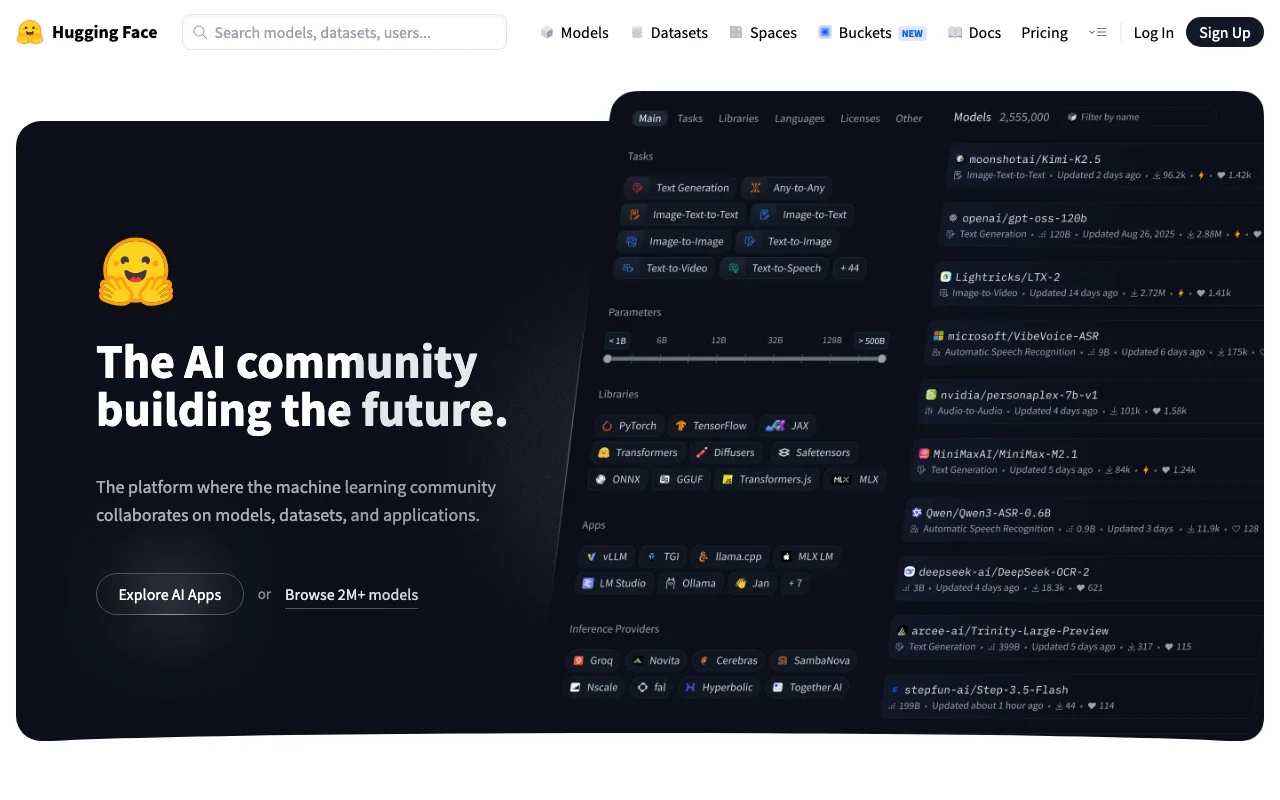
Connecting Local Models to Your Code Editor
If you want to use local models for auto-completion or code refactoring, you can route them straight into your editor:
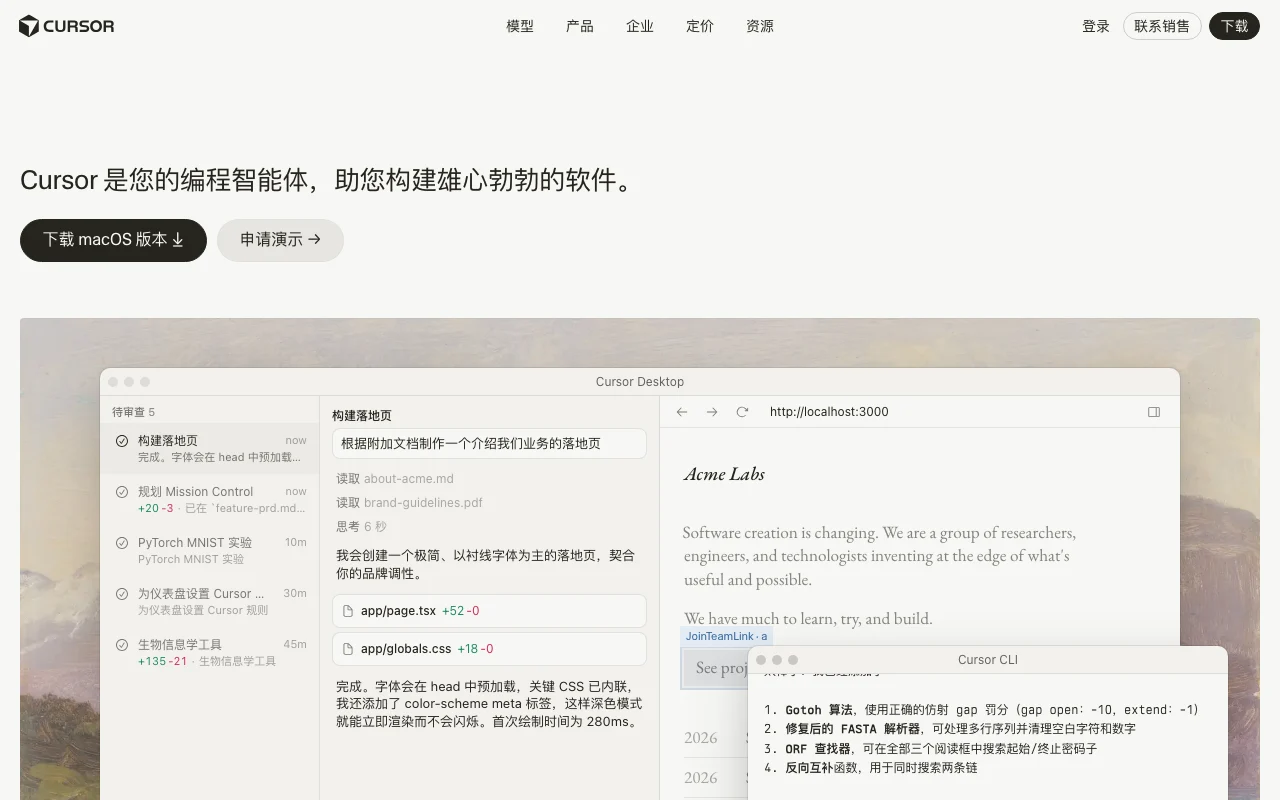
A dedicated AI editor that lets you swap cloud models for your local API base URL.
An open-source extension for VS Code and JetBrains that binds directly to local Ollama or LM Studio ports.
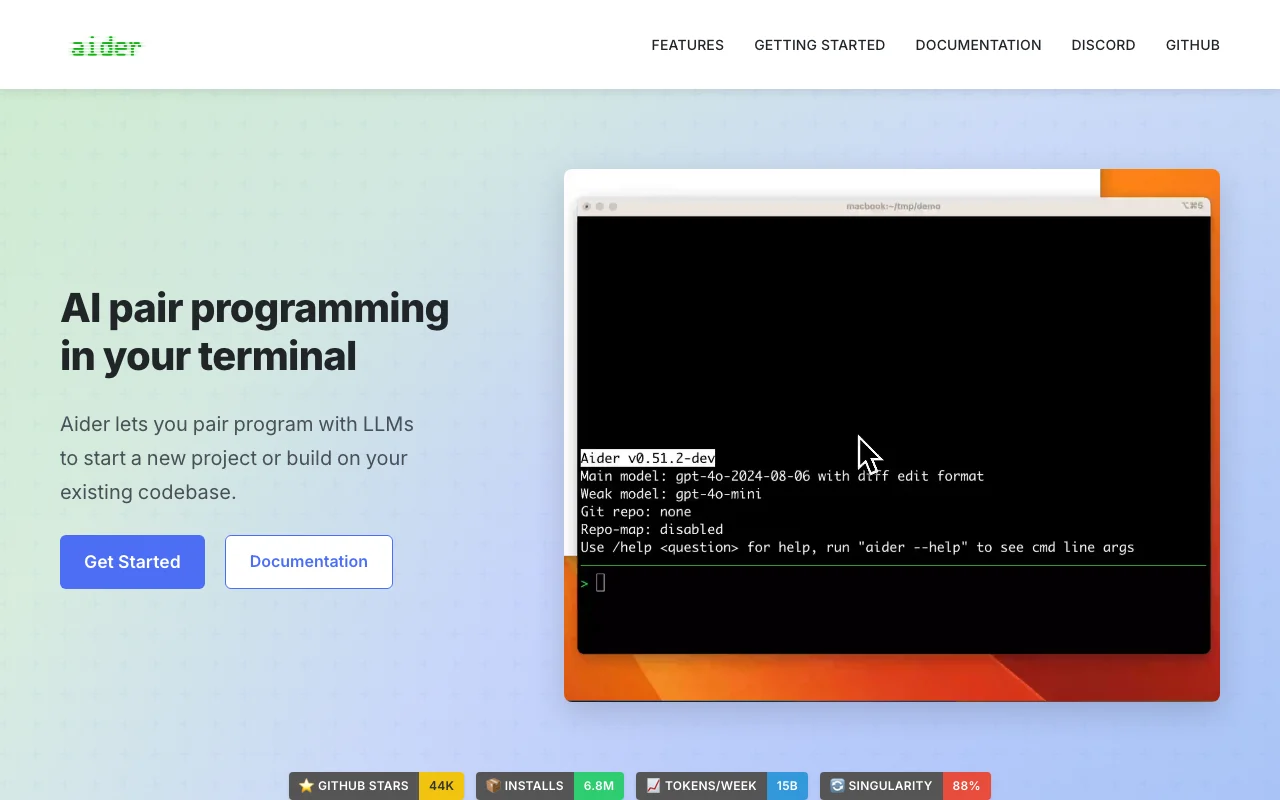
A terminal pair-programming tool that lets local models make multi-file edits and write Git commit messages directly.
Honest Hardware Realities: VRAM and Setup
Local AI gives you independence, but consumer hardware sets strict boundaries:
- VRAM is the true bottleneck: Running lightweight 7B or 8B parameter models requires roughly 6GB to 8GB of VRAM. Running 30B+ models on consumer GPUs gets tricky unless you use heavy GGUF quantization or Apple Silicon unified memory.
- Configuration takes effort: These are not zero-setup web apps. Managing ports, picking model sizes, and fine-tuning GPU layers takes basic technical troubleshooting.
- CPU fallback drops speed: If a model exceeds your graphics card memory, layers fall back to system RAM and CPU. Generation speed can drop down to a few tokens per second depending on your hardware.
If you want immediate solutions without hardware tinkering, explore our roundup of quick browser utilities.
Frequently Asked Questions
Can I run local LLMs with less than 8GB of VRAM?
Yes. Look for smaller 1.5B to 3B models, or choose heavy GGUF quantizations like Q4_K_M. Both tools can split work between your GPU and CPU, though generation speed will drop.
Can I install both Ollama and LM Studio on the same machine?
Yes. They operate independently. Just ensure they use different local API ports (like 11434 and 1234) and avoid running heavy inference on both simultaneously to prevent memory crashes.
Why do developers still pay for cloud APIs if local tools exist?
Local models run on limited computer specs and struggle with hyper-complex reasoning or giant context windows. Most developers use local models for basic code completion and fall back to top cloud APIs for complex logic.
Summary
Choose Ollama if you want a lightweight service that hooks cleanly into terminals, scripts, and third-party extensions. Pick LM Studio if you prefer a complete desktop app with visual hardware controls and direct model downloads.