We’ve all been there: you need to trim a photo or sketch a quick diagram, but the website demands an email or phone number before you can touch a single feature. It breaks your momentum and clutters your inbox.
At kokoseek, we prefer no signup online tools that let you drop in, finish the task, and leave. We split our top picks into two simple categories: practical utilities that handle quick work in your browser, and creative experiments built for short mental breaks.
Practical No Signup Online Tools for Daily Work

Ideal for store owners and presentation builders who need clean product shots fast. Unlike complex graphics software, its targeted AI isolates subjects and drops background pixels in under five seconds. You get an instant transparent PNG without making an account, though high-res exports require a paid plan.
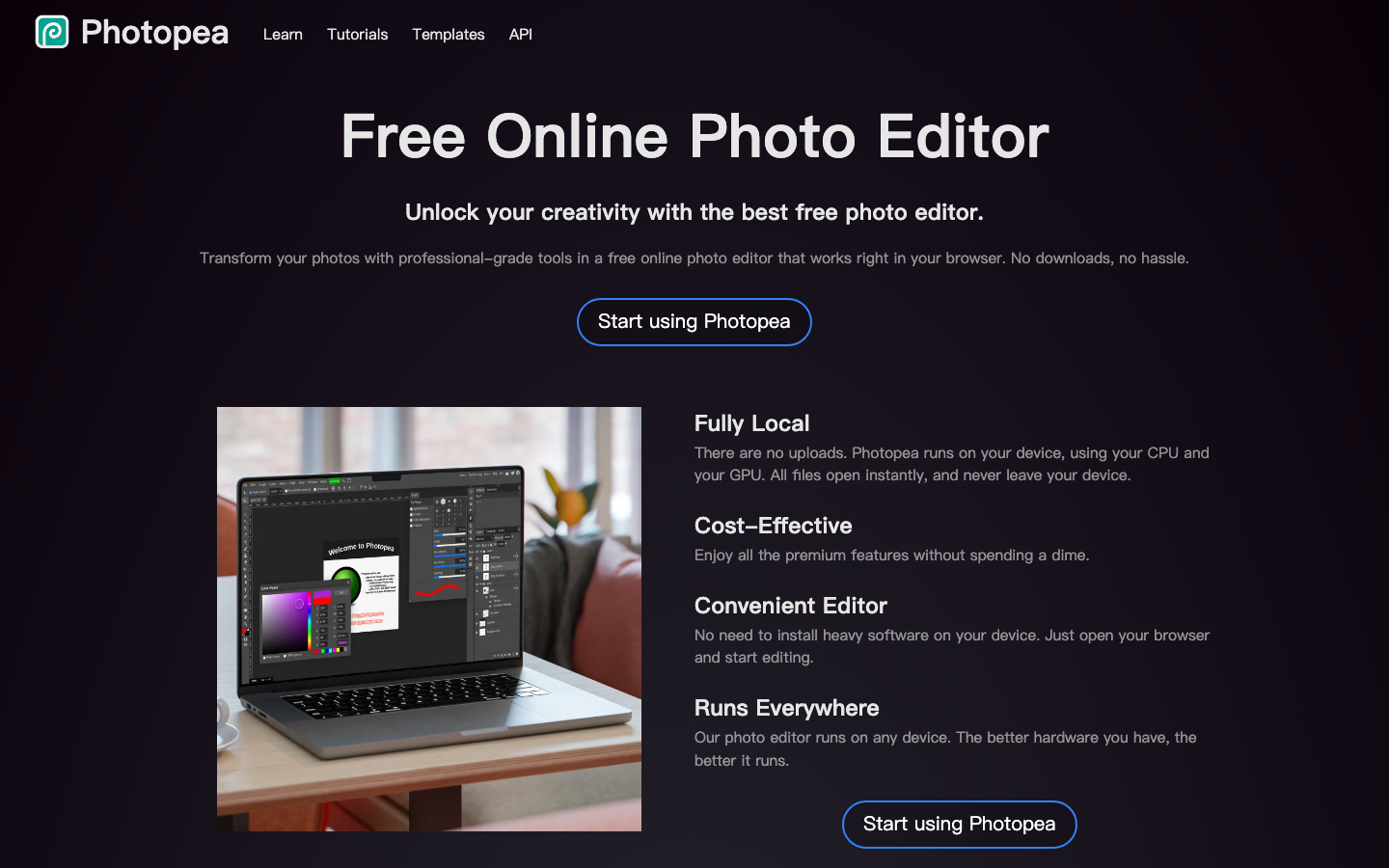
Great for designers on a borrowed laptop who need to edit PSD or Sketch files. It mirrors Photoshop’s entire interface inside your browser, complete with layers and familiar hotkeys. Because processing happens locally in your browser memory, you can edit and export full-res images without creating a profile.

Built for webmasters and bloggers trying to speed up site load times. Its smart lossy compression cuts PNG and JPEG file sizes drastically while keeping visuals crisp. Drag a batch of images onto the page, download the compressed ZIP, and close the tab—no login screen involved.
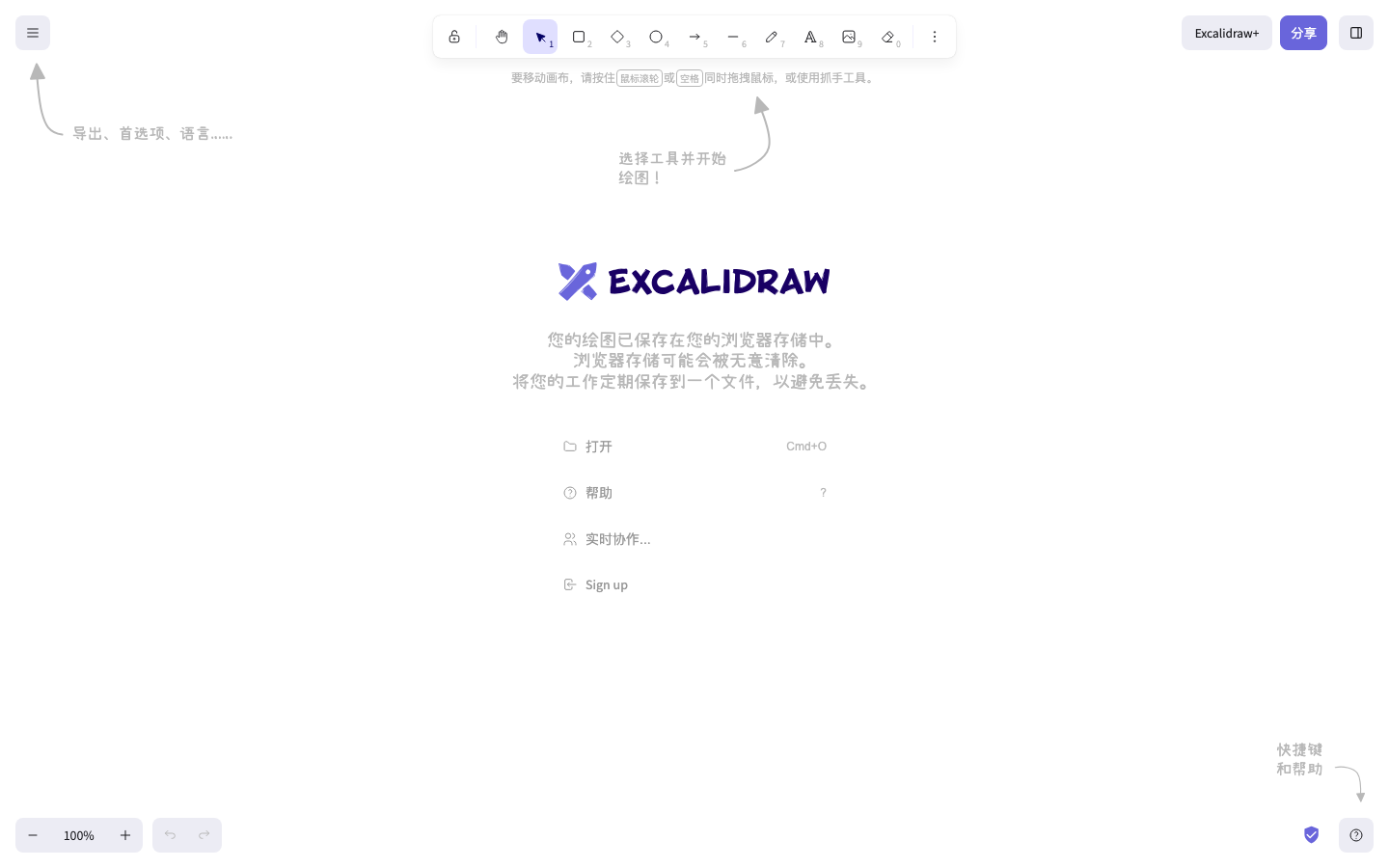
Perfect for developers and product managers sketching system architectures. It uses an informal, hand-drawn aesthetic that keeps early wireframes from feeling overly formal. Your diagrams stay stored in your local browser cache, and you can generate a quick share link for real-time team feedback.
Best for teams that need a clean canvas for fast brainstorms. It strips away bloated toolbars and login screens, loading instantly so you can draw shapes, drop text, or scribble notes. It functions like an offline whiteboard right inside your browser tab.
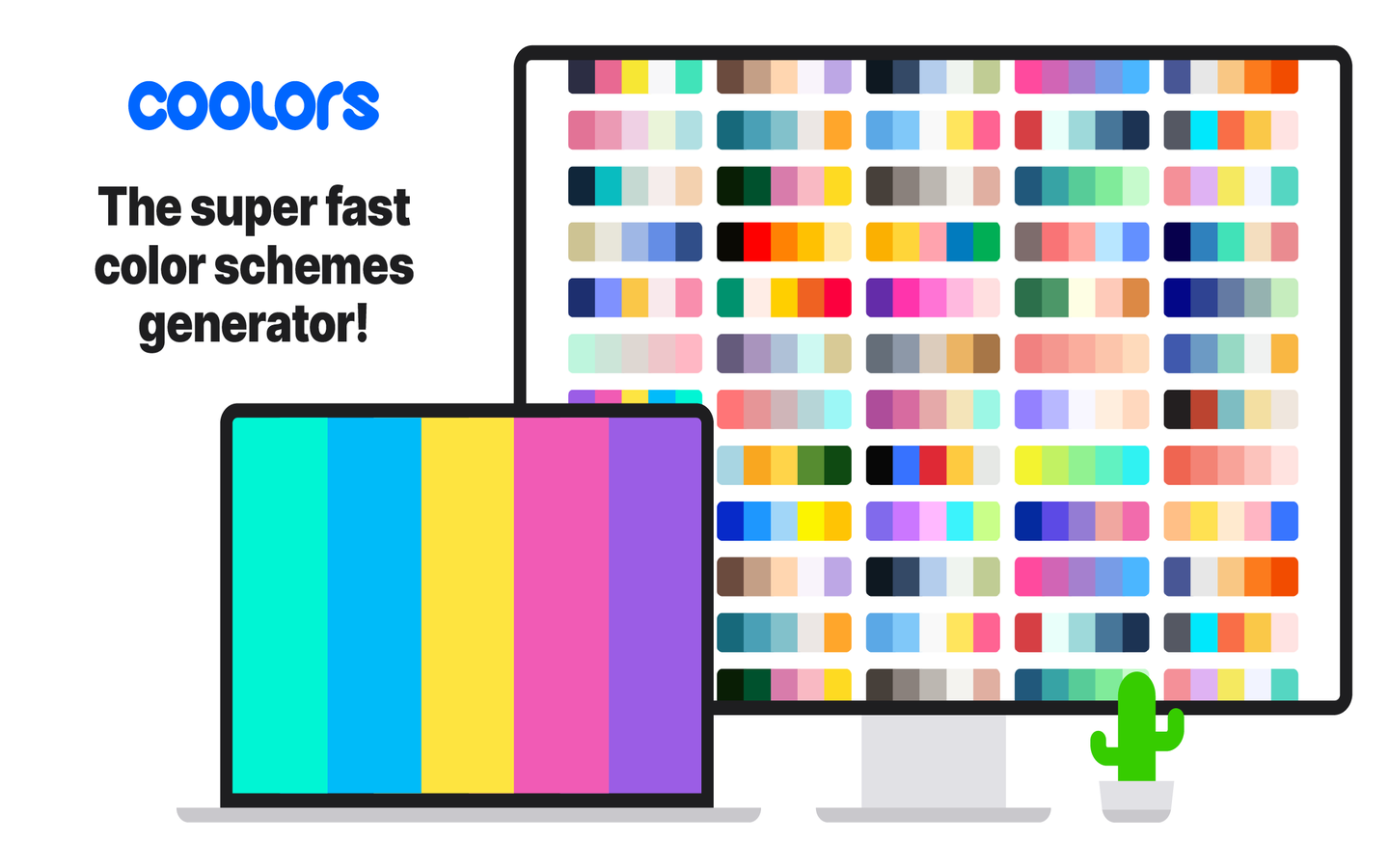
Designed for UI designers and slide creators hunting for color schemes. Hitting the spacebar generates a fresh five-color palette with HEX codes ready to copy. You can lock your favorite shades, tweak saturation, and export palette codes without setting up a profile.
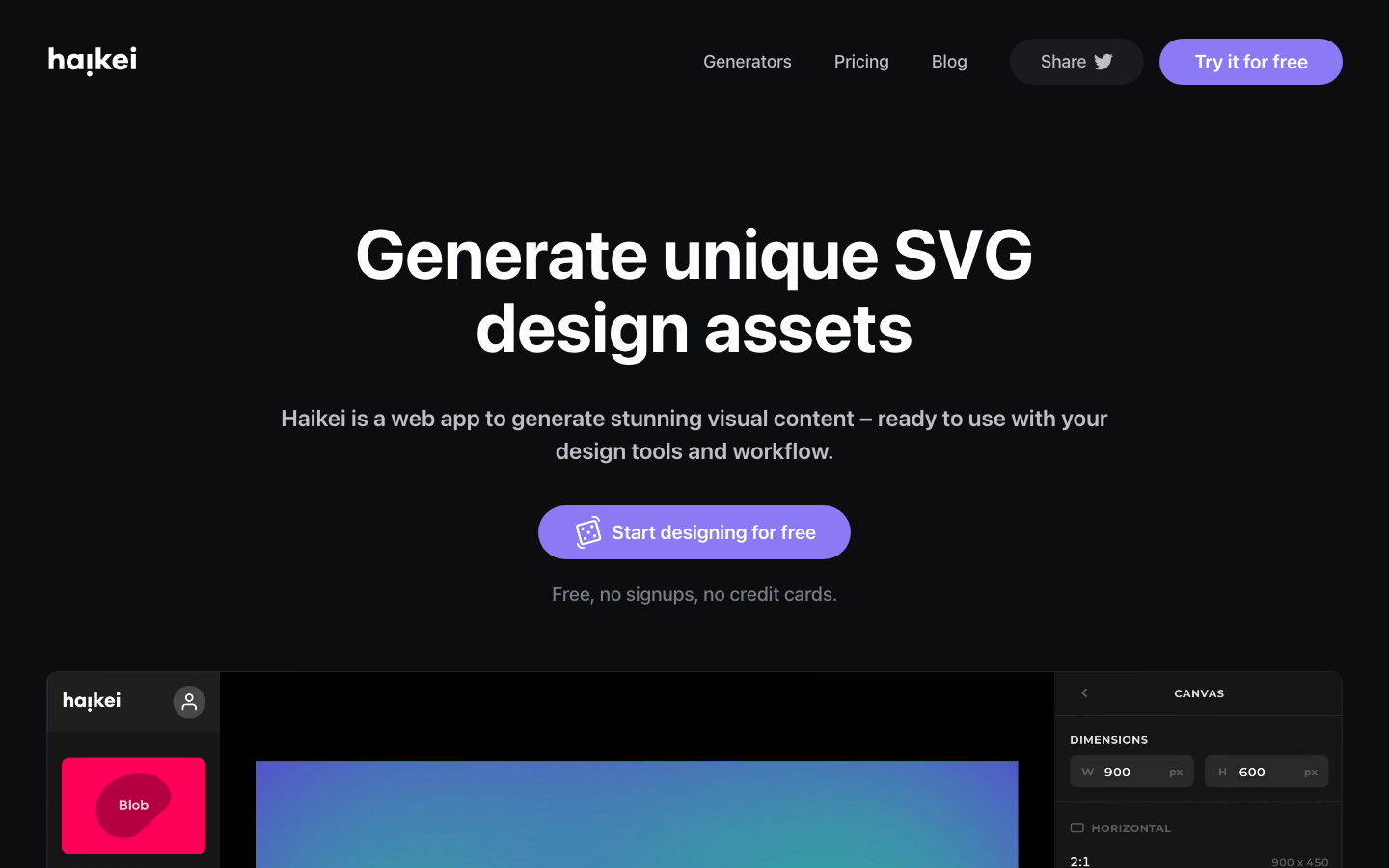
A handy generator for content creators who need clean vector graphics or background visual assets. Adjust sliders to customize SVG wave patterns, low-poly meshes, and subtle gradients in real time. You can export crisp SVG or PNG files straight to your drive without logging in.
Great for event planners and marketers tired of standard black-and-white QR codes. It transforms plain URLs into styled vector patterns featuring custom gradients and decorative shapes. Paste your link, choose a style template, and download your SVG or PNG file right away.
Instant Web Toys for Mental Breaks
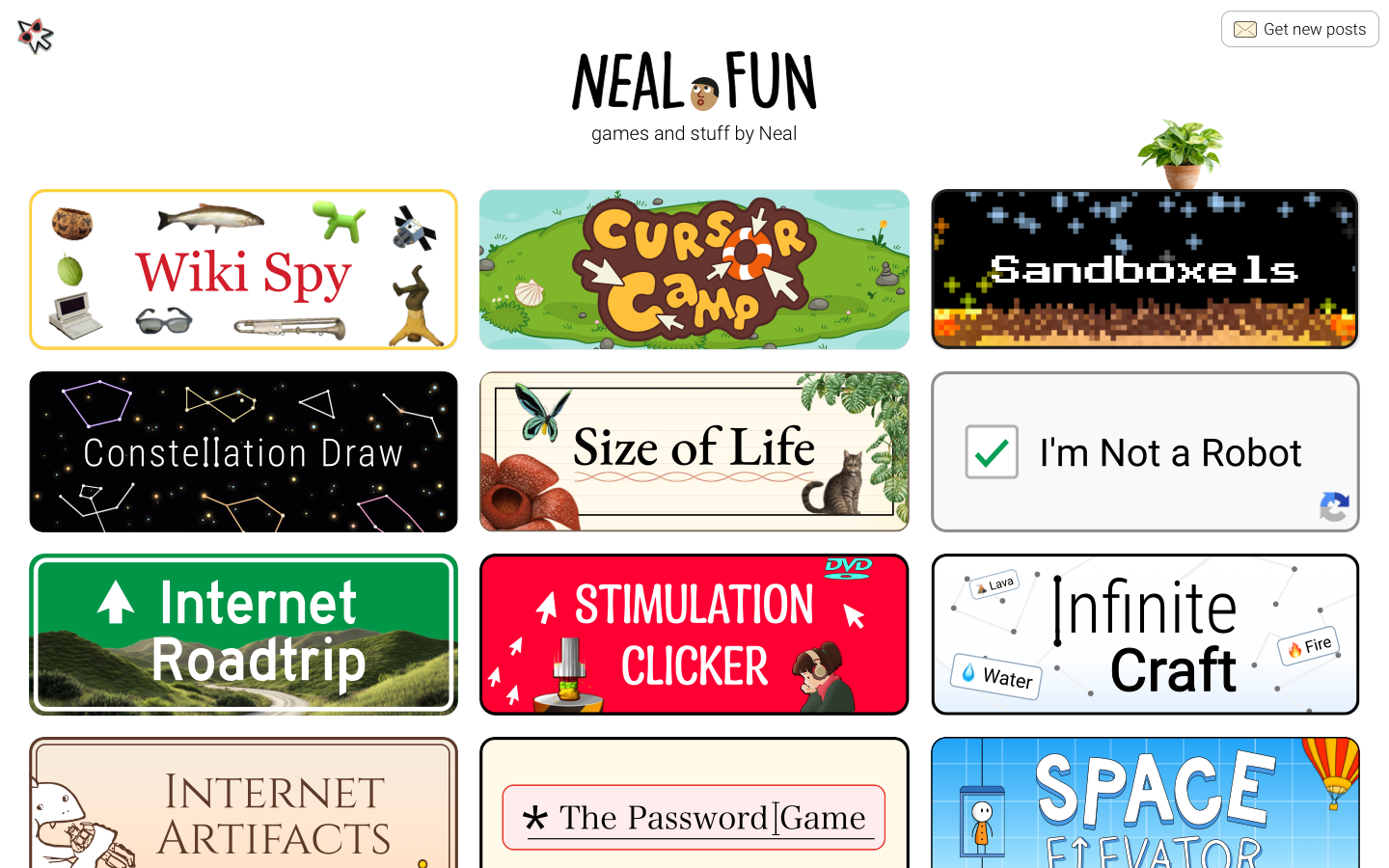
A fun pitstop for creative thinkers who need a quick mental reset. It gathers polished interactive web experiments, like spending Bill Gates’ fortune or exploring the ocean depth. Every mini-project runs smoothly in your browser with zero popups or account prompts blocking the view.
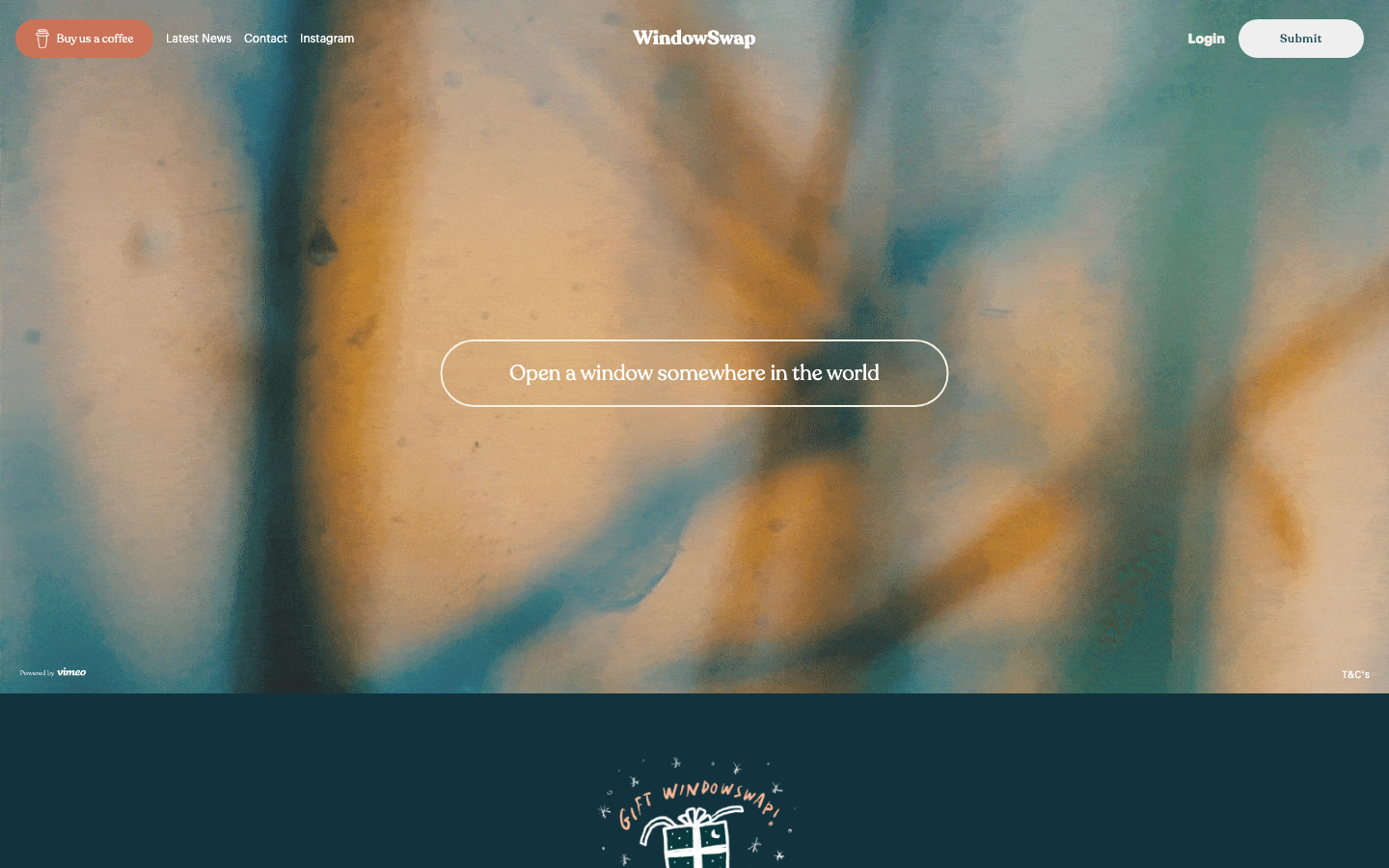
Built for remote workers who want a fresh view during long desk sessions. It streams user-submitted video loops of real window views around the world, paired with ambient environmental sound. One click takes you from a rainy alley in Tokyo to a quiet farm in Italy.
Discover More Tools Without an Account
Looking for more tools without an account? Explore our collection of no-signup online tools on kokoseek to find reliable, single-purpose web apps tested by our editors.
Frequently Asked Questions
Is it safe to use no-signup tools with sensitive files?
It depends on how the site is built. Tools like Photopea process files entirely inside your browser, so data never leaves your computer. Other tools upload files to temporary cloud servers for processing. For confidential business documents or personal data, check whether the tool processes files locally before uploading.
How do these websites make money without user accounts?
Most run on a freemium model where core features are free, but higher resolutions, batch processing, or cloud storage require a paid upgrade. Others rely on non-intrusive ads, user tips, or serve as portfolio showcases for independent developers.
Will I lose my work if I close the browser tab?
Usually, yes. Tools without accounts generally store temporary work in your browser’s local storage (LocalStorage). If you clear your browser cache or switch devices, that progress is gone. Always export your final PNG, SVG, or project file before closing the page.